September 22, 2026
Why Update Brand Messaging: Essential Guide for Growth


Discover three free marketing plan template Google Sheets tailored for small business owners. Streamline your strategies today!
The three free Google Sheets marketing plan templates worth copying right now are the Google Drive / Google Sheets marketing plan template, HubSpot’s Google Sheets templates collection, and Smartsheet’s marketing calendar collection. All three are free, live in Google Drive, and cover the core sections a well-designed marketing plan needs: Executive Summary, Situation Analysis, Goals, Tactics, Budget, and Measurement. Think of each as a living hub for your team’s objectives and KPIs, not a static file you update once a year.
Quick picks:
All three are free to copy and use.
The table below maps each template to the use cases where it genuinely earns its keep.
| Template | Best for | Included elements | Complexity / setup | Collaboration features | Cost |
|---|---|---|---|---|---|
| Google Drive marketing plan template | Solo owners, small teams (2–5) | Executive Summary, Goals, Tactics, Budget, KPI tab | Low / ~1 hour | Sharing-ready, Editor/Viewer permissions | Free |
| HubSpot Google Sheets collection | Multi-campaign teams | Campaign planner, content calendar, budget tracker, channel tab, Owner column | Medium / ~2–3 hours | Multiple tabs, assignee columns, comment threads | Free |
| Smartsheet marketing calendar collection | Visual planners, seasonal businesses | Monthly calendar, Gantt-style timeline, Planned tab, hidden Data Collation sheet | Medium / ~2–3 hours | Separate calendar and timeline tabs, protected data sheet | Free |
| UH SBDC marketing plan template (PDF/Sheets) | Established businesses seeking stakeholder approval | Executive Summary, Situation Analysis, SWOT, Target Audience, Strategy, Budget, Measurement | Medium-high / ~3–4 hours | Adaptable to Sheets; designed for leadership review | Free |

To copy any Google Sheets template: open it, go to File > Make a copy, rename it, and save it to your Drive. Never edit a shared template directly — you will overwrite the original for everyone else.
The Smartsheet calendar collection uses a backend Data Collation sheet that feeds the visual calendar and timeline tabs. You enter data in the Planned tab only; the calendar and timeline update automatically. This structure keeps visual tabs clean and prevents accidental formula breaks.

Run through these five questions before you copy anything:
Pro Tip: Assign one person as the sheet owner before you share it. That person protects formula ranges, manages version history, and is the only one who can restructure tabs. Without a named owner, collaborative sheets drift into chaos within two weeks.
A generic template gets you 70% of the way there. The remaining 30% is the columns and formulas that match your specific business. A robust marketing planner needs these columns at minimum:
With those columns in place, add these formulas to a KPI tab:
=IFERROR(Ad_Cost/Actual_Leads,"—")=IFERROR(Revenue/Ad_Cost,"—")=IFERROR(Actual_Leads/Impressions,"—")=SUMIFS(Ad_Cost_Range, Channel_Range, "Paid Search")Dropdowns for Status and Channel are not just cosmetic. Consistent values are what make QUERY and FILTER formulas work reliably. A cell that reads “paid search” in one row and “Paid Search” in another will silently break your aggregations.
Pro Tip: Keep strategic tabs (Objectives, SWOT, KPI definitions) separate from tactical tabs (Campaigns, Calendar, Budget). Strategic tabs change quarterly; tactical tabs change weekly. Mixing them slows the sheet and makes audits harder.
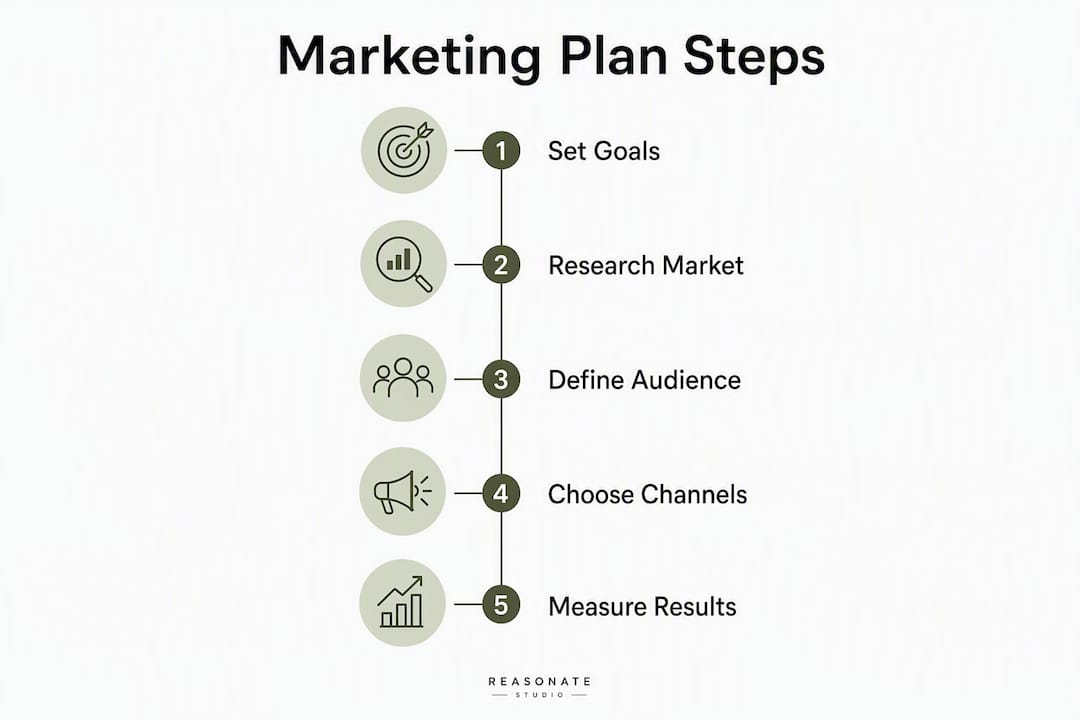
For a deeper walk-through of essential template columns, the Google Docs companion guide covers structure and messaging alignment in detail.
You do not need a BI tool to surface problems early. Four steps get you a functional dashboard inside the same workbook:
| Step | Action | Formula / tool |
|---|---|---|
| 1. Structure source data | Use consistent dropdowns in Status and Channel columns | Data validation in Sheets |
| 2. Build a KPI summary table | Pull aggregated spend, leads, CPL by channel | =SUMIFS(...) or =QUERY(A:K,"SELECT C, SUM(I) GROUP BY C") |
| 3. Create charts | Insert bar or line charts referencing the KPI summary table only | Insert > Chart |
| 4. Add conditional formatting | Flag rows where Status = “Delayed” or CPL exceeds threshold | Format > Conditional formatting |
Google Sheets’ FILTER and QUERY functions enable dynamic dashboards that update as you add campaign rows, which is where Sheets pulls ahead of a static Excel file. A QUERY formula like =QUERY(Campaigns!A:K,"SELECT B, SUM(I) WHERE H='In Progress' GROUP BY B") gives you live spend by active campaign without touching the source data.
For automated alerts, Zapier can watch a Sheets cell and send a Slack or email notification when a KPI threshold is crossed. Google Apps Script handles the same job natively if you prefer to keep everything inside Google Workspace.
Heavy calculations slow shared sheets. Move complex aggregations to a separate Summary tab and reference that tab in your dashboard rather than running formulas directly against raw data rows.
A sheet full of campaign rows is not a marketing plan. It is a task list. The difference is whether each row traces back to an objective, a budget ask, and an owner who can defend the spend.
The strategic mapping checklist every plan needs: Link each tactic row to a named objective. Assign a KPI and a single owner per tactic. Estimate cost per tactic before the campaign launches. Define the decision trigger — the threshold at which you reallocate budget or pause a tactic. Write the Executive Summary last, after the SWOT and evidence are complete, so it reflects the actual plan rather than initial assumptions.
Skipping Situation Analysis is the most common reason annual plans fail to get leadership approval. Budget requests without SWOT grounding read as guesses. A completed Situation Analysis tab in your sheet gives you the evidence to justify every dollar.
Reasonate Studio’s Aligned Impact Model™ follows the same logic: Diagnose the Gap, Define the Position, Build the Message, Activate the Strategy. Each stage maps directly to a tab in a well-structured sheet. If you want a strategy-to-execution framework that connects sheet structure to business outcomes, that guide walks through the mapping in detail.
A concrete example: a tactic row reading “Run Google Ads for service X” should link to Objective 2 (“Generate 50 qualified leads in Q2”), carry a $2,000 budget, name a specific owner, and set a CPL threshold of $40 as the decision trigger. If CPL exceeds $40 by week three, the owner reallocates to a lower-cost channel. That is a plan. A row that just says “Google Ads — ongoing” is not.
Follow this sequence and you will have an operational plan, not just a copied template.
For a step-by-step companion to this checklist, the free marketing plan template guide covers each stage in more depth.
Templates work well for small teams running straightforward campaigns with clear channels, defined audiences, and manageable budgets. If you can fill every column, name an owner for every tactic, and link each dollar to an objective, you probably have enough structure to execute without outside help.
The point where templates stop being enough is specific: when you cannot connect tactical spend to a strategic objective, when leadership needs to approve a budget and the rationale is not in the sheet, or when a product launch requires cross-functional alignment across sales, operations, and marketing simultaneously. A template cannot substitute for the judgment calls those situations require.
A quick rule of thumb: if you are staring at a blank Objectives tab and cannot write three clear, measurable goals for the next 12 months, you need strategic input before you need a better spreadsheet. The sheet is only as useful as the strategy behind it.
Templates give you structure. What they cannot give you is the strategic audit, stakeholder alignment, and senior ownership that turn a plan into a funded, approved roadmap.
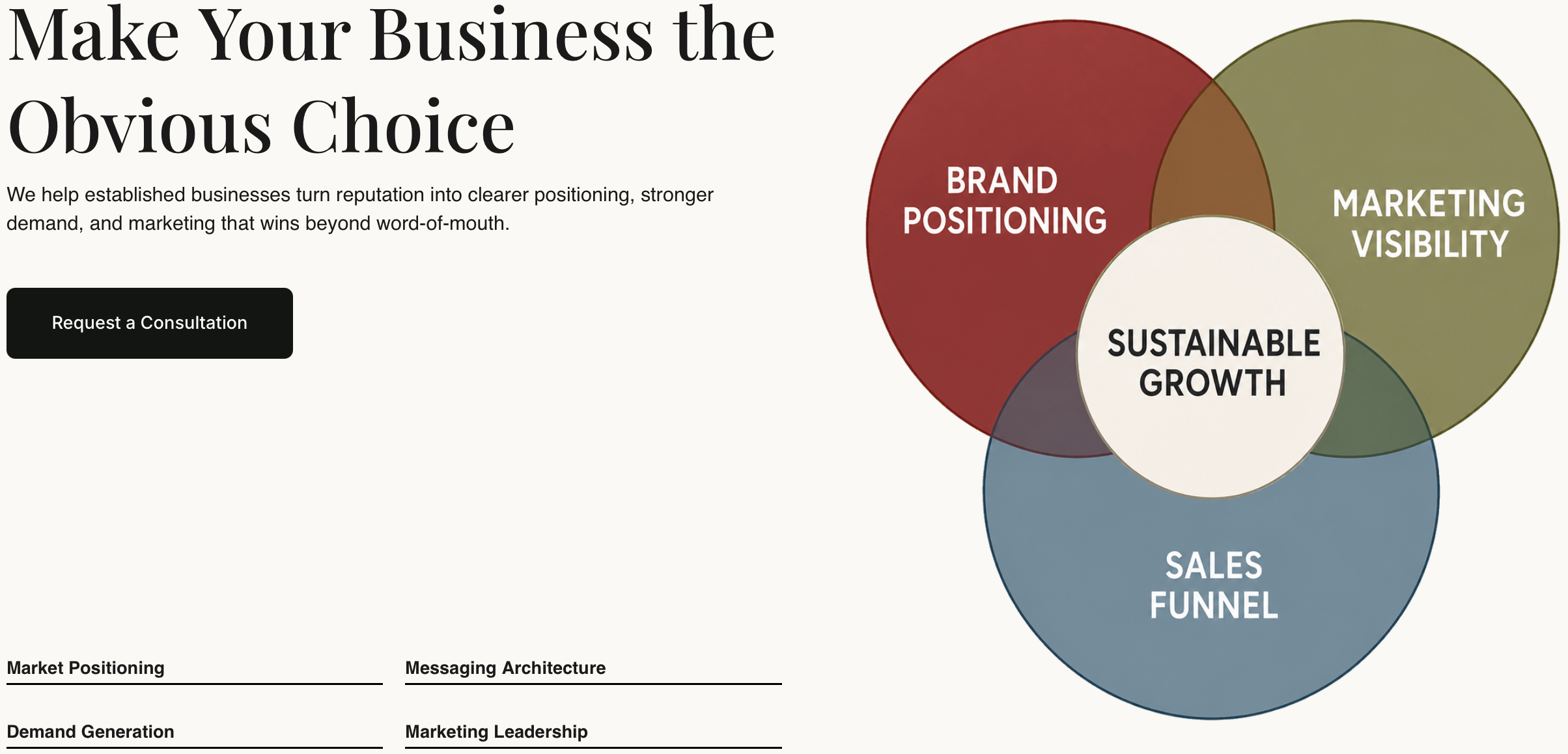
Reasonate Studio works with established businesses that have outgrown patchwork marketing and need a senior strategist to build the plan, not just fill in the columns. The process starts with a full brand and market audit, moves through positioning and messaging, and delivers a prioritized 12-month marketing roadmap with KPIs, budget rationale, and owner assignments your leadership team can actually approve. Timelines are faster than a DIY build because there is no learning curve, no stalled SWOT sessions, and no guessing at which metrics matter to your specific stakeholders.
If you are ready to move from a copied template to a plan built around your business, see how Reasonate Studio works or explore the visibility and lead-generation planning service for a senior-led approach to demand generation.
Direct access to the templates and Sheets references covered in this guide:
All templates listed here are free to copy. Always copy to your own Drive before editing — never modify a shared source template directly.