September 22, 2026
Why Update Brand Messaging: Essential Guide for Growth


Create an effective marketing plan in under two hours with our marketing plan template Google Docs. Choose from four helpful templates!

The fastest way to build a working marketing plan is to copy a ready-made Google Docs template and fill in SMART goals tied to your revenue target. You can be done with a usable first draft in under two hours. Here are the four templates worth your time:
| Template | Best For | Detail Level | Includes Examples | Copy/Download |
|---|---|---|---|---|
| Google Docs native (SBA-style) | Solo founders, first plan | One-page to 5 pages | No | File → Make a copy |
| HubSpot Google Docs collection | Small teams, multi-channel | Full plan, 10 sections | Yes | Free download, no login required |
| Brafton Google Docs template | Content-led businesses | Full plan with editorial sections | Yes | Free, direct Docs link |
| One-page plan (UH SBDC) | Pitch to leadership fast | One page | Partial | PDF + editable Docs version |
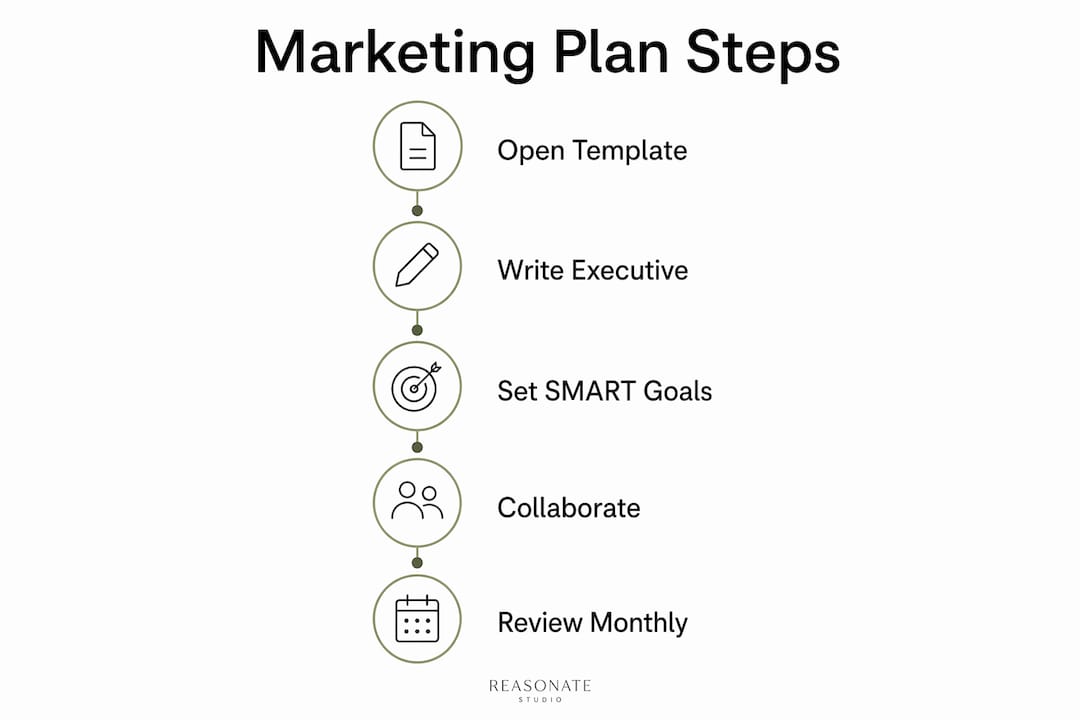
To copy any Google Docs template:
Open the executive summary first and write one sentence: what you want to achieve this year and how. Everything else in the plan supports that sentence.

A good marketing plan template covers the six core SOSTAC sections, which expand to ten actionable sections for teams: executive summary, company positioning, SMART goals, situation analysis, buyer personas, strategy summary, channel tactics, budget, action plan, and KPIs/measurement. Skip any one of them and the plan either fails to get budget approval or collapses during execution. The SOSTAC framework (Situation, Objectives, Strategy, Tactics, Action, Control) is the widely cited standard for structuring an annual plan, and it maps cleanly to these sections:
On document length: keep a one-page executive summary for leadership and a 5–10 page working document for your team. Plans longer than about 10 pages tend to become operational manuals nobody reads.
On Google Docs collaboration: use Comments to flag open questions, Suggestions mode for edits that need approval, and the @ mention feature to assign action items directly in the document. Version history (File → Version history) lets you roll back any accidental overwrites.
| Template | Best For | Detail Level | Ease of Use | Examples Included | Sections | Free / Steps |
|---|---|---|---|---|---|---|
| SBA / Google Docs native | Solo founder, first plan | One-page | Very easy | No | Summary, goals, channels, budget | Free; File → Make a copy |
| HubSpot collection | Small team, multi-channel | Full (10 sections) | Easy | Yes | SWOT, personas, budget, KPIs, timeline | Free; direct Docs link |
| Brafton template | Content-led business | Full with editorial layer | Moderate | Yes | All core + content calendar | Free; direct Docs link |
| UH SBDC one-pager | Leadership pitch | One page | Very easy | Partial | Summary, goals, financials | Free PDF + Docs version |
SBA-style Google Docs template. The U.S. Small Business Administration publishes a plain, no-frills marketing plan example built for small businesses. No example copy is included, but the structure is clean and every section is labeled. Fill the executive summary and objectives first, then work forward. Best for a founder writing their first plan who needs a government-vetted structure.

HubSpot Google Docs collection. HubSpot’s free template set includes pre-written example text for buyer personas and channel tactics. That example copy is a real time-saver: non-writers can edit existing sentences rather than starting from a blank page. Download directly as a Google Doc, no account required. Fill the SWOT and personas before touching the channel section.
Brafton Google Docs template. Built for content-driven teams. It adds an editorial planning layer (content themes, publishing cadence) that the other templates skip. If organic content is your primary channel, this is the one. It is slightly more complex to navigate, so budget an extra 30 minutes for setup.
UH SBDC one-pager. The University of Houston SBDC template is a concise, structured one-pager designed for small business owners. Use it when you need to present a plan to a lender, partner, or leadership team quickly. Convert the PDF to a Google Doc (File → Open with → Google Docs) or retype the structure into a new Doc.
Run through this checklist before you pick:
Quick decision flow:
By business type:
On licensing: every template listed here is free to copy and edit for your own business use. HubSpot and Brafton ask for a name and email on some download pages. The SBA and UH SBDC templates are public-domain government resources with no attribution required.
Statistic callout: A balanced budget distribution (the “leader pattern”) reduces the risk of over-investing in promotion alone. The baseline split — 48% promotion, 14% relationships, 13% branding, 16% infrastructure — is a starting point, not a rule. Adjust it based on your stage and what your historical performance data shows.
Pro Tip: Schedule a 30-minute plan review on the last Friday of every month. Put it in the calendar now, before the plan is finished. Plans that lack a scheduled review date get filed and forgotten.
Templates are genuinely useful. For a founder who has clear positioning, a defined audience, and a manageable channel mix, a well-structured Google Docs template is all the infrastructure they need. The marketing plan framework matters less than the discipline to use it.
But there is a category of business where a template creates a false sense of progress. If your positioning is unclear, if your services are hard to explain, or if leadership cannot agree on which customers you are actually trying to reach, filling in a template produces a polished document that does not reflect reality. You end up with a plan built on assumptions nobody has tested.
The honest decision criteria:
A measurement section with named owners and decision triggers is what separates an approvable plan from a wish list. That is also where most DIY plans fall short. Not because the template is wrong, but because the person filling it in does not yet know what they are measuring or why.
Templates get you started. For established businesses generating $2M–$10M in annual revenue, the gap is rarely the template. It is the strategic clarity that should come before the template.
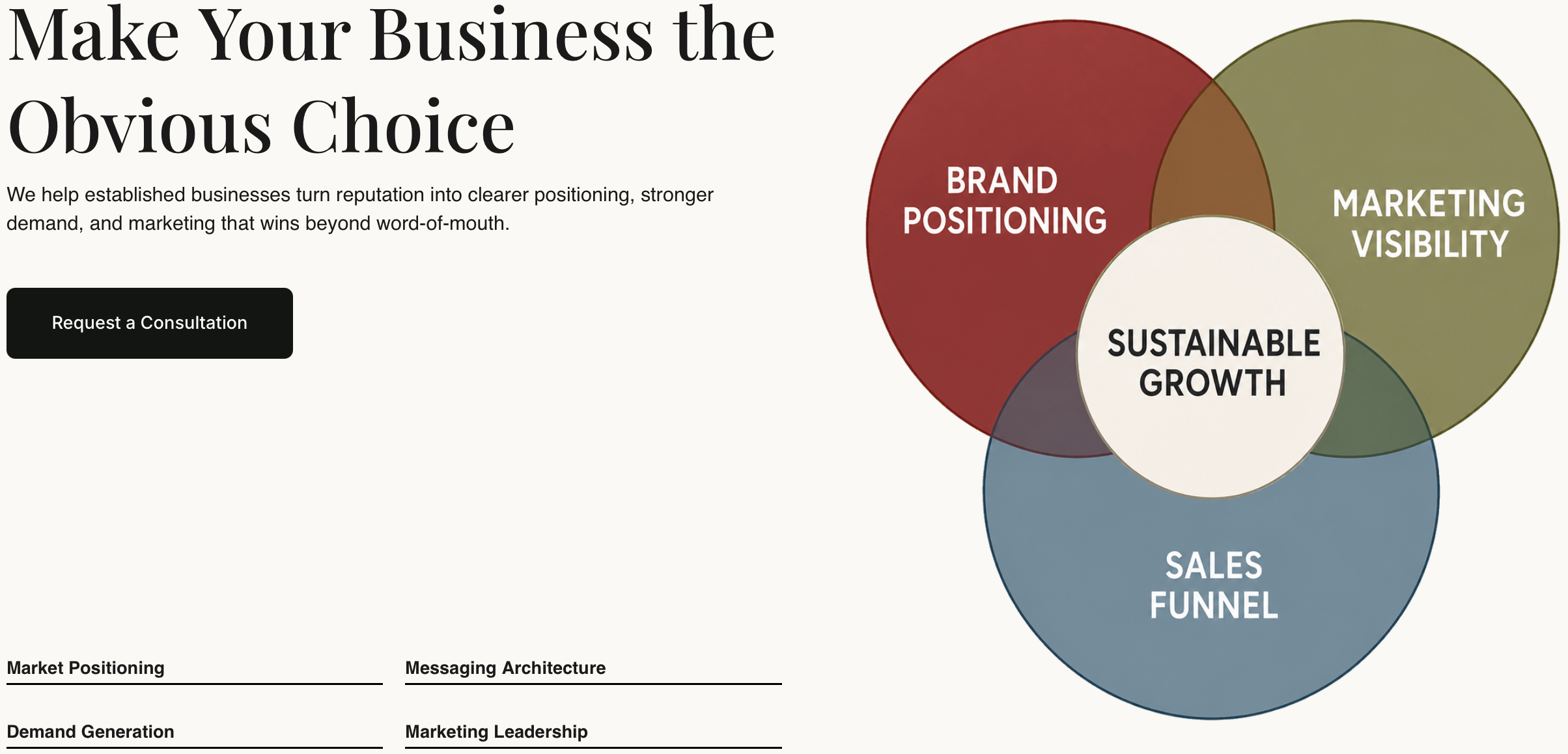
Reasonate Studio builds bespoke marketing plans for independently owned businesses that have outgrown referral-only growth. The work starts with positioning: clarifying what makes the business worth choosing, which audiences it serves best, and where the current marketing is losing the value the business has already earned. From there, the plan connects messaging, channel mix, budget allocation, and a 12-month roadmap into one cohesive system. This is not a filled-in template. It is a decision-making foundation leadership can actually use.
If you are preparing a plan for budget approval, a board presentation, or a significant growth push, explore Reasonate Studio’s services and reach out for a discovery conversation. Templates remain a valid self-serve option for founders with clear positioning. For everything else, senior-led planning tends to pay for itself in the first quarter.
This article is general information, not professional marketing or financial advice. Confirm any budget figures or planning frameworks with a qualified advisor for your specific situation.
Templates:
Frameworks and research:
Google Docs workflow: